plug the USB device in – if it’s a 2.5″HD it may need to be powered externally or use used in conjunction with powered Hub.
i’m using this…
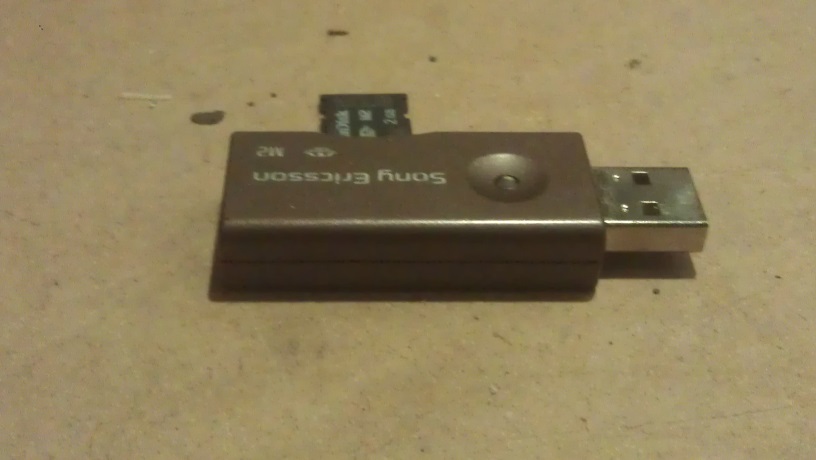
Sony MicroUSB in card reader
lets find it…
sudo blkidoutput will look something like
/dev/mmcblk0p1: LABEL="RECOVERY" UUID="34A2-9F3B" TYPE="vfat"
/dev/mmcblk0p3: LABEL="SETTINGS" UUID="bd544908-ac9b-4464-8429-7d1d674f51d6" TYPE="ext4"
/dev/mmcblk0p5: LABEL="boot" UUID="0314-01C1" TYPE="vfat"
/dev/mmcblk0p6: LABEL="root" UUID="e75bb594-53bb-4a13-83b9-3574ac2c838e" TYPE="ext4"
/dev/sda1: LABEL="PHONE CARD" UUID="586C-669C" TYPE="vfat"
Thats mine at the bottom on /dev/sda1
next make a folder to mount it into
sudo mkdir /HDD/
sudo mkdir /HDD/usb
Change the fstab – this is so it will automatically remount on reboot
sudo nano /etc/fstab
add a line like:
/dev/sda1 /HDD/usb vfat umask=000 0 0
and give it a reboot
sudo reboot